

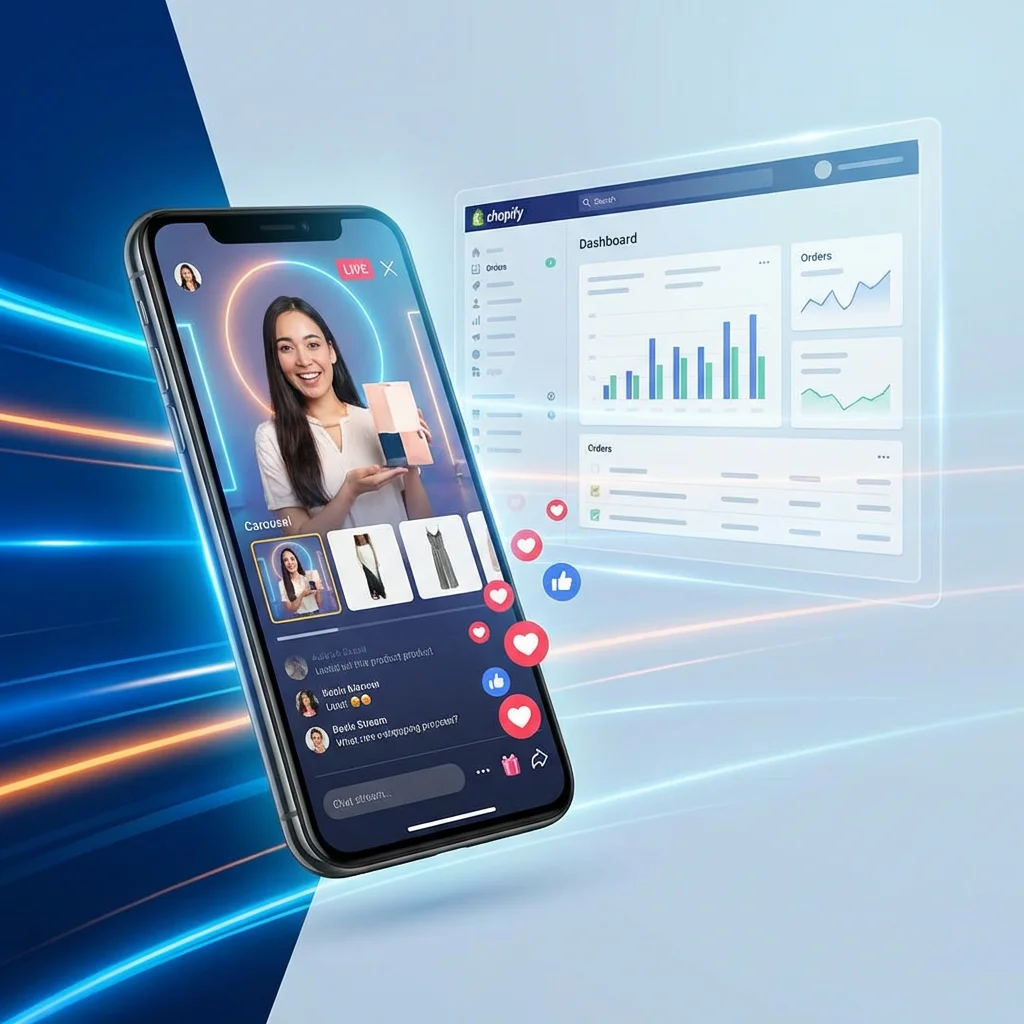
How to Add Live Shopping to Your Shopify Store (Step-by-Step Guide)
Turn your Shopify store into an interactive, high-converting shopping experience in 2026.
The way we shop online is changing. Static product pages are no longer enough to capture the attention of modern consumers. Today’s shoppers crave engagement, transparency, and human interaction. That’s why live shopping has become the single most powerful conversion tool for Shopify merchants. But how do you actually add it to your store without being a tech wizard? This guide will show you exactly how.
Why Live Shopping on Your Own Store Beats Social Media
While streaming on Instagram or TikTok is great for reach, hosting live shopping events directly on your Shopify store has massive advantages:
- Owned Data: You keep all your customer data and pixel tracking.
- Zero Friction Checkout: Shoppers can add to cart and buy without leaving the stream.
- Brand Control: No competing ads or “suggested content” distracting your buyers.
- SEO Boost: Live events drive traffic directly to your domain, improving your search rankings.
Step 1: Choose the Right Live Shopping Shopify App
The easiest way to integrate live commerce is through a dedicated Shopify app. While there are several options, Ieasysell stands out because it combines live shopping with shoppable video and AI voice assistants in one platform.
With Ieasysell, you can host professional-grade live streams where products appear as interactive cards that users can click to buy instantly. No coding, no complex setups.
Step 2: Install and Configure Ieasysell
Installation is simple:
- Go to the Shopify App Store and search for “Ieasysell”.
- Click “Add App” and follow the one-click installation process.
- Once inside the Ieasysell dashboard, select the “Live Shopping” tab.
- Sync your product catalog so your items are ready to be featured in your stream.
Pro Tip: Use AI Avatars for 24/7 Presence
Can’t be live all the time? Ieasysell lets you use AI digital humans to host interactive shopping sessions even while you sleep, answering questions in 50+ languages.
Step 3: Planning Your First Live Event
Success in live shopping isn’t about high-end production; it’s about authenticity. Follow these tips for your first event:
| Feature | Best Practice |
|---|---|
| Duration | Aim for 30–60 minutes to allow audience buildup. |
| Product Focus | Feature 3–5 key products with live demos and Q&A. |
| Interaction | Acknowledge commenters by name to build community. |
| Incentives | Offer a “Live Only” discount code to drive urgency. |
Conclusion: The Future of Your Shopify Store
Adding live shopping to your Shopify store is no longer a luxury—it’s becoming a standard. By using an app like Ieasysell, you bridge the gap between your products and your customers, building trust and driving sales in real-time.
Start Your Live Shopping Journey Today
Add Ieasysell to your Shopify store and see the difference interactive video makes.
